
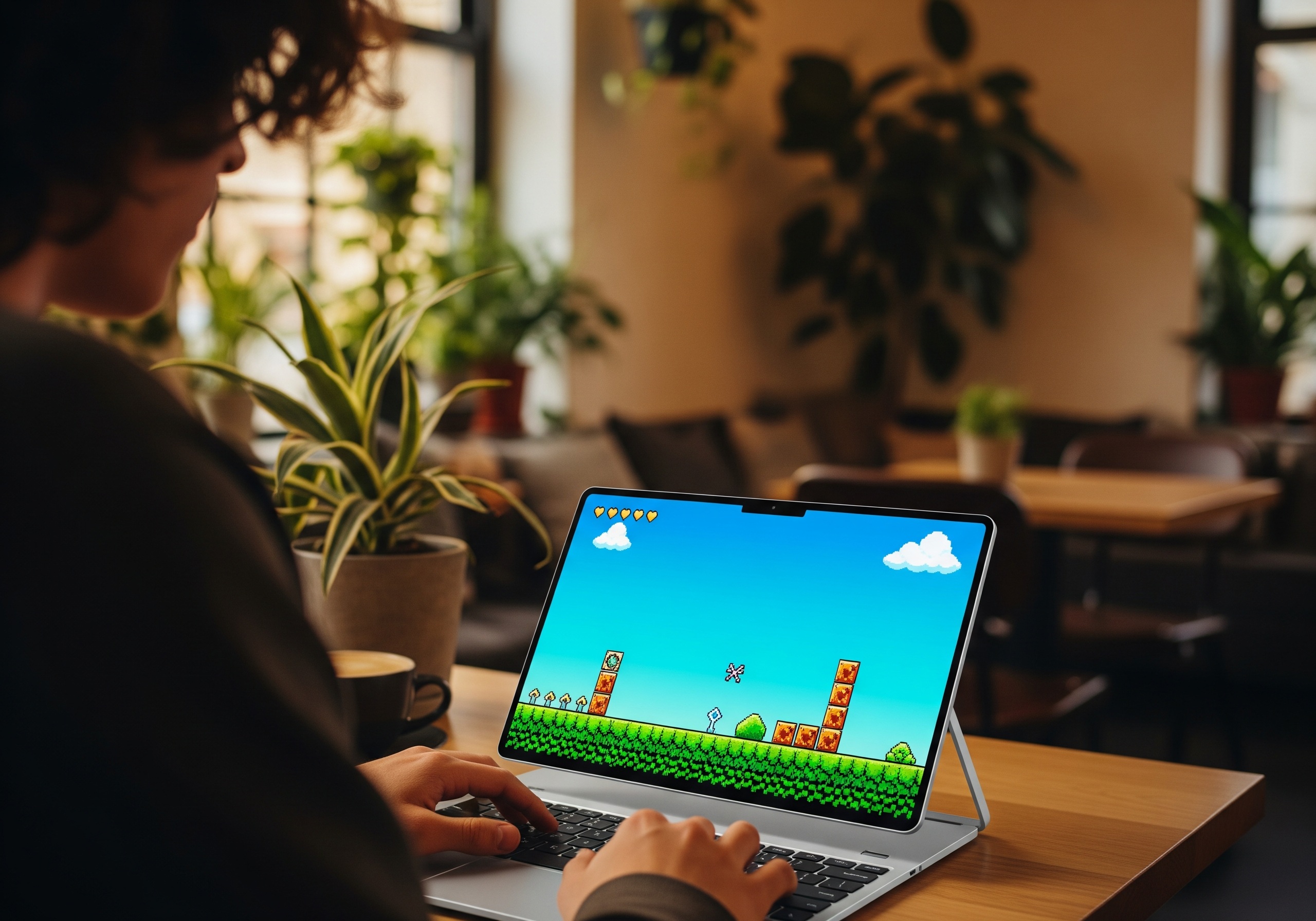
The Complete Beginner's Guide to Retro Gaming in 2026
Everything you need to know to start playing classic games, from choosing platforms to understanding game conventions and finding the best titles.
Welcome to Retro Gaming
Whether you're discovering classic games for the first time or returning after years away, this guide will help you navigate the wonderful world of retro gaming.
By the end, you'll understand:
- How to start playing retro games today
- What makes classic games different from modern ones
- Which games to try first
- Common conventions you need to know
Let's begin!
What is "Retro Gaming"?
Retro gaming generally refers to playing games from older consoles and computers, typically from the:
- 8-bit era (1980s) — NES, Master System, Game Boy
- 16-bit era (early 1990s) — SNES, Genesis/Mega Drive
- 32/64-bit era (mid-1990s) — PlayStation, N64, Saturn
These games have distinct characteristics:
- Pixel art graphics
- Chip tune music
- Often higher difficulty
- Simpler mechanics (but deep gameplay)
- Shorter completion times
How to Play Retro Games Today
Option 1: Browser-Based (Easiest)
Platforms like Innovatex.one let you play directly in your browser:
✅ Pros:
- No downloads or setup
- Works on any device
- Instant access
- Touch controls for mobile
❌ Cons:
- Requires internet connection
- May have slight input lag
Perfect for: Trying games quickly, mobile play, beginners
Option 2: Dedicated Emulators
Software that simulates old consoles on modern devices:
✅ Pros:
- Best accuracy and performance
- More configuration options
- Can use physical controllers
❌ Cons:
- Requires setup
- Need to find game files (ROMs)
- Learning curve
Perfect for: Serious enthusiasts, speedrunners
Option 3: Original Hardware
Playing on actual vintage consoles:
✅ Pros:
- Most authentic experience
- Physical collection
- No compatibility issues
❌ Cons:
- Expensive (hardware and games)
- Equipment degrades over time
- CRT TVs increasingly rare
Perfect for: Collectors, purists
Option 4: Mini Consoles
Official products like NES Classic, SNES Classic:
✅ Pros:
- Legal and authentic
- Good game selection
- Easy setup
❌ Cons:
- Limited game library
- Availability issues
- No expansion
Perfect for: Casual nostalgia, gifts
Understanding Classic Game Conventions
Lives and Game Over
Most retro games give you a limited number of lives. When you lose them all, it's Game Over — meaning you restart from the beginning (or a checkpoint).
What to expect:
- Lives are precious; don't waste them
- Some games have continues (limited restarts)
- Practice makes perfect; you'll replay levels many times
No Auto-Save
Classic games rarely save automatically. You'll need to:
- Password systems — Write down codes to continue later
- Save batteries — Some cartridges had battery-backed saves
- Play in one sitting — Many games expected this
Health Systems
Different games use different systems:
- One hit = death (Contra, Ghosts 'n Goblins)
- Health bars (Zelda, Mega Man)
- Size-based (Mario's power-up system)
Limited Tutorials
Old games rarely explain themselves. You're expected to:
- Read the manual (we include these where possible)
- Experiment with buttons
- Learn by dying
- Discover secrets through exploration
Your First Games: Recommendations by Type
If You Want Something Accessible
Super Mario Bros (NES)
- The gold standard of platformers
- Intuitive controls
- Gradual difficulty curve
- Play Super Mario Bros
Kirby's Adventure (NES)
- Very forgiving
- Fun powers to copy
- Beautiful for its era
- Play Kirby's Adventure
If You Want Action
Contra (NES)
- Iconic run-and-gun
- Use the Konami Code for 30 lives: ↑↑↓↓←→←→BA
- Best with a friend
- Play Contra
Mega Man 2 (NES)
- Choose your stage order
- Pattern-based bosses
- Satisfying progression
- Play Mega Man 2
If You Want Adventure
The Legend of Zelda (NES)
- Open-world exploration
- Dungeons to conquer
- Secrets everywhere
- Play The Legend of Zelda
Metroid (NES)
- Atmospheric exploration
- Non-linear progression
- Pioneered a genre
- Play Metroid
If You Want Competition
Street Fighter II (SNES)
- The fighting game standard
- Perfect for two players
- Deep mechanics
- Play Street Fighter II
Tetris (Game Boy)
- Endlessly replayable
- Perfect design
- Universal appeal
- Play Tetris
Tips for New Retro Gamers
1. Be Patient
You'll die. A lot. That's normal. Classic games are designed around mastery through repetition.
2. Take Notes
Passwords, secret locations, boss patterns — write them down. It's part of the experience.
3. Don't Use Guides Immediately
Give yourself time to explore and discover. The satisfaction of finding secrets yourself is worth the struggle.
4. Try Different Genres
Don't give up on retro gaming because one genre doesn't click. Try platformers, RPGs, shooters, puzzles — find what suits you.
5. Use a Controller If Possible
While keyboard works, a controller provides the intended experience. USB controllers shaped like classic pads are affordable.
6. Adjust Your Expectations
You won't see cinematic cutscenes or voice acting. The stories are simpler. The focus is on gameplay.
Common Beginner Mistakes
Starting with the Hardest Games
Ghosts 'n Goblins and Battletoads are legendary, but they're not beginner-friendly. Start accessible, work up.
Giving Up Too Quickly
If a game seems impossible, you probably haven't learned its rules yet. Give it at least an hour before deciding it's not for you.
Expecting Modern Conveniences
No waypoints, no autosave, no difficulty settings. Classic games expect you to meet them on their terms.
Skipping Instructions
Game manuals existed for a reason. Check if digital versions are available — they often explain crucial mechanics.
Your Retro Gaming Journey
Here's a suggested progression for newcomers:
Week 1: The Basics
- Super Mario Bros
- Tetris
Week 2: Expanding Horizons
- The Legend of Zelda
- Sonic the Hedgehog
Week 3: Increasing Challenge
- Mega Man 2
- Castlevania
Week 4: Deep Dives
- Metroid
- Final Fantasy
By the end of a month, you'll have a solid foundation in retro gaming and know what genres appeal to you most.
Frequently Asked Questions
Are retro games really harder?
Many are, yes. They were designed for the arcade (to eat quarters) or to extend playtime on expensive cartridges. But "hard" often means "rewarding to master."
Why do old games look stretched?
Classic games were designed for 4:3 aspect ratio CRT TVs. Modern widescreen displays stretch them. Most emulators offer options to maintain original proportions.
Can I play retro games on my phone?
Yes! Browser-based platforms work on mobile, and touch controls are provided. For best experience, consider a mobile controller attachment.
Where should I start if I only have 30 minutes?
Tetris, Super Mario Bros, or Sonic the Hedgehog — games designed for quick sessions.
Ready to Begin?
You now have everything you need to start your retro gaming journey. Pick a game, embrace the challenge, and discover why these classics have endured for decades.
The golden age of gaming awaits.
Want to go deeper? Explore our guides on the best games for each console or learn how emulation technology works.
About the Author
Innovatex Team is part of the Innovatex team, dedicated to preserving and sharing the rich history of retro gaming with enthusiasts worldwide.
Related Articles
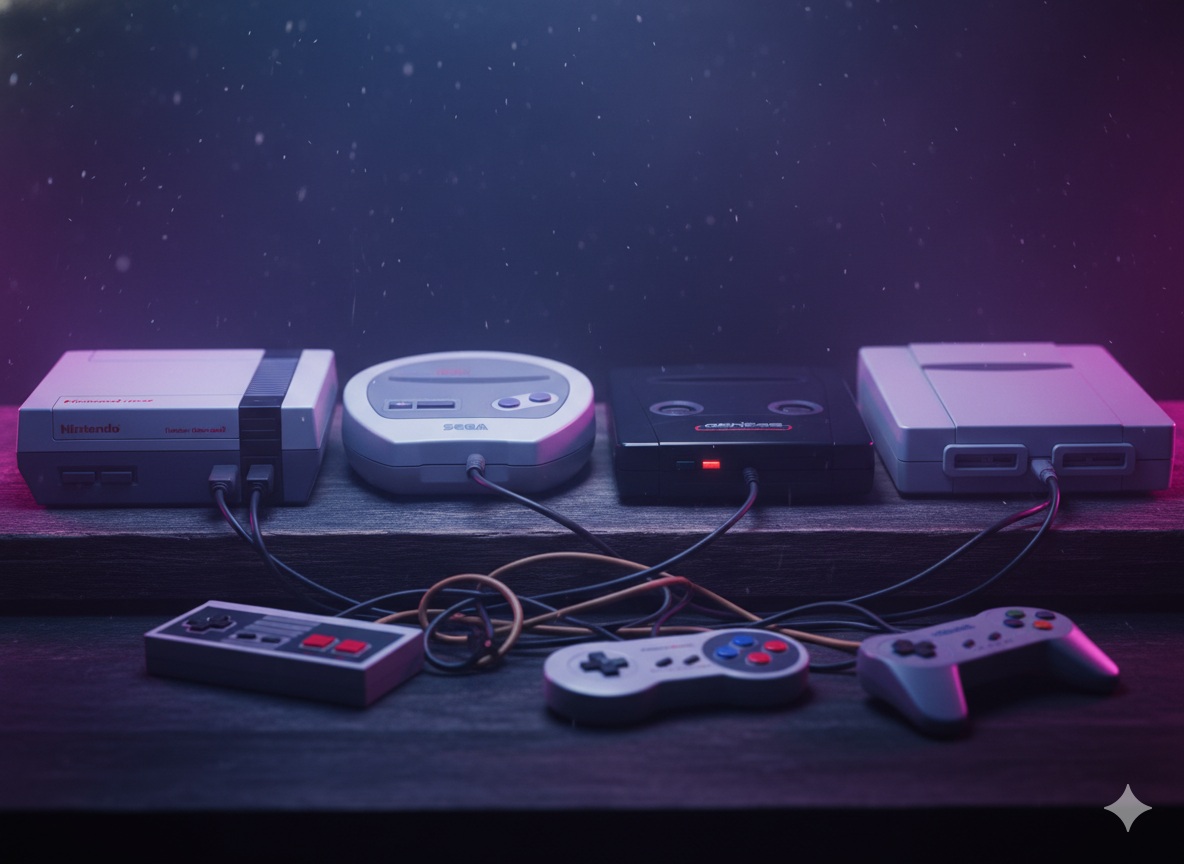
Best Games for Each Console: The Essential Retro Gaming Library
A curated guide to the must-play games for every classic console, from NES to PlayStation, with recommendations for different tastes and skill levels.
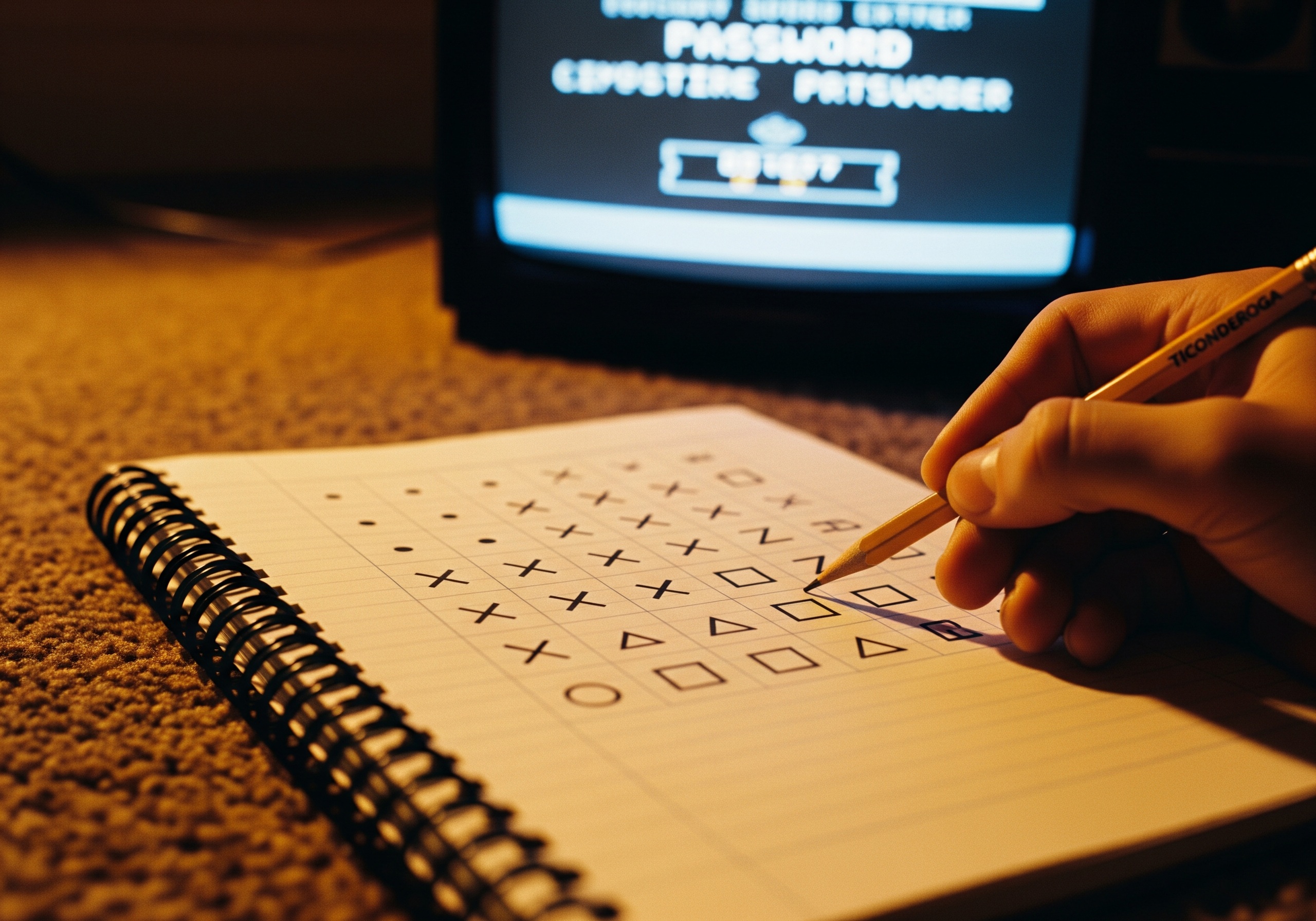
How to Save Your Progress in Retro Games: A Complete Guide
Learn about password systems, battery saves, save states, and other methods retro games used to preserve your progress — and how to use them today.